



Introduction: Scaling Enterprise Knowledge with Atlassian Rovo
According to knowledge management research, 49% of employees have trouble locating documents, and knowledge workers can waste up to 5.3 hours per week waiting for information or searching.
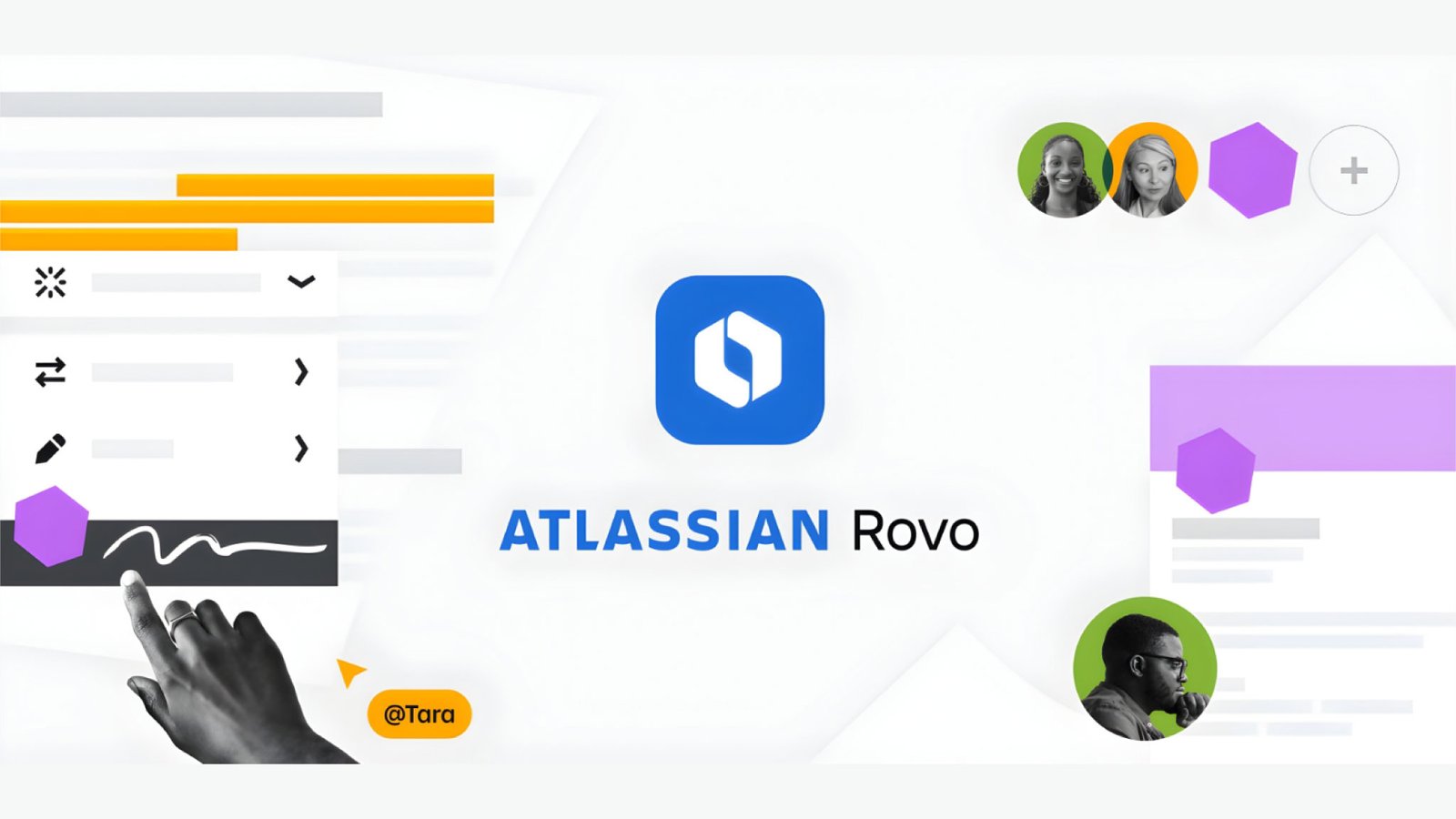
Atlassian Rovo is a strategic capability for Atlassian Cloud Enterprise customers looking to scale knowledge discovery, decision-making, and operational efficiency using AI. Built on Atlassian Intelligence and the Teamwork Graph, Rovo enables leaders to break down information silos across Jira, Confluence, Jira Service Management (JSM), and integrated third-party tools.
Atlassian Rovo solves the knowledge worker problem by:
- Making enterprise knowledge discoverable
- Preserving context and intent
- Enabling secure, AI-assisted decision-making
- Reducing manual search and cognitive overhead
For modern enterprises, Rovo transforms knowledge from a productivity bottleneck into a strategic advantage.
Step 1: Enterprise Readiness for Atlassian Rovo Adoption
1.1 Atlassian Cloud Readiness
Rovo is available only on Atlassian Cloud, with the strongest value realized on Cloud Enterprise plans. Before adoption:
- Ensure core products (Jira Software, Confluence, JSM) are on Cloud
- Validate organization and site structure
- Confirm identity provider (IdP) integration via Atlassian Guard
Tip: Customers migrating from Data Center should complete stabilization post‑migration before enabling Rovo.
Step 2: Building a Clean, AI-Ready Data Foundation
Rovo’s effectiveness is directly tied to the quality and structure of your data.
2.1 Content Standardization
- Clean up outdated Confluence spaces
- Archive unused Jira projects
- Normalize issue types, workflows, and field names
Why this matters for enterprises:
AI systems amplify both clean and messy data. Without strong content hygiene, Rovo surfaces incomplete or misleading insights — eroding trust at scale.
2.2 Permissions & Visibility
Rovo respects existing permissions. Poorly configured access leads to:
- Incomplete search results
- Confusing AI responses
Actions to take:
- Audit space and project permissions
- Remove excessive anonymous or global access
- Ensure sensitive data is properly restricted
Step 3: Integrating Atlassian and Third-Party Tools for Maximum Context
Rovo becomes significantly more powerful when connected beyond core Atlassian tools.
3.1 Atlassian App Integration
Ensure strong linkage across:
- Jira ↔ Confluence (requirements, decisions, runbooks)
- JSM ↔ Confluence (knowledge base, incident postmortems)
3.2 Third‑Party Tool Connections
Where applicable, connect.
- Source code repositories (GitHub, GitLab, Bitbucket)
- CI/CD tools
- Documentation platforms
Outcome: As Rovo can connect to a vast range of tools. You can integrate to those systems to get the desired outcome.
Step 4: Configuring Rovo for Enterprise-Scale Decision Support
4.1 Rovo Search – Enterprise Knowledge Discovery
For large enterprises, Rovo Search becomes a single entry point into years of accumulated knowledge.
Use cases:
- Search across thousands of Jira projects and Confluence spaces
- Discover historical decisions, architecture documents, and incident learnings
- Reduce dependency on tribal knowledge
Technical best practices:
- Validate indexing coverage across business units
- Standardize naming conventions (projects, components, spaces)
- Regularly test search relevance with real user queries
4.2 Rovo Chat – Decision Support at Scale
Rovo Chat acts as a contextual AI assistant embedded into daily work.
Executive and leadership use cases:
- “Summarize progress and risks across all initiatives in this program”
- “What were the key decisions and trade-offs made for this product?”
- “Highlight recurring causes from the last 10 major incidents”
Adoption guidance:
- Train users to ask outcome-oriented questions
- Position Rovo Chat as a decision accelerator, not an answer authority
- Reinforce trust by explaining permission-bound responses
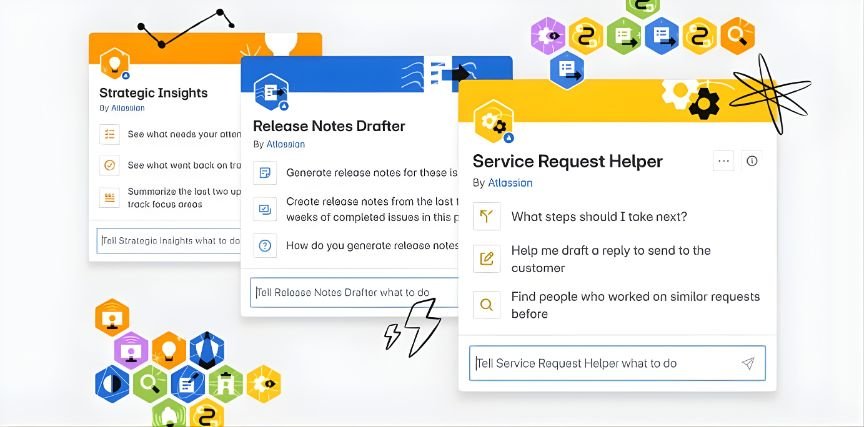
4.3 Rovo Agents – Operationalizing Knowledge
Rovo Agents unlock the next level of enterprise value by automating repeatable, knowledge-intensive tasks.
Enterprise scenarios:
- Incident triage assistants
- Change impact analysis agents
- Product delivery insights agents
Design principles:
- Start with narrow, high-confidence scopes
- Apply strong guardrails and validation steps
- Measure impact before scaling broadly
Step 5: Security, Compliance, and Trust in Enterprise AI
5.1 Data Residency & Compliance
- Validate data residency requirements
- Align Rovo usage with organizational compliance policies
- Document AI usage for audits
5.2 Guardrails & Trust
- Communicate that Rovo does not override permissions
- Define internal AI usage guidelines
- Establish escalation paths for incorrect or sensitive outputs
Rovo as a Strategic Enterprise Capability
For Atlassian Cloud Enterprise customers, Rovo is not just an AI feature—it is a foundational capability for enterprise knowledge management and operational excellence.
When adopted with the right technical readiness, governance, and real-world use cases, Rovo delivers measurable outcomes:
- Faster incident resolution
- More predictable product delivery
- Better executive decision-making
- Higher return on existing Atlassian investments
Enterprises that treat Rovo as a strategic platform—rather than a tactical tool—will unlock sustained value, trust, and scale.
enreap’s Role in Enterprise-Grade Rovo Adoption
enreap guides enterprises through Rovo readiness, integration, and governance, ensuring AI features are deployed responsibly across Jira, Confluence, and JSM. The result is scalable, permission-aware knowledge intelligence.
Our Key Focus Areas for Enterprise Rovo Adoption
- Readiness assessment
- Governance design
- AI trust & adoption
- Cross-tool integration
Planning to enable Atlassian Rovo at enterprise scale? enreap helps organizations assess readiness, design governance, and operationalize AI safely across Jira, Confluence, and JSM.