



“We already have transcripts… so why does nothing move forward?”
You finish a meeting and feel confident.
Someone mentions, “Fireflies has captured everything.”
Someone else adds, “We also have the Teams transcript.”
So you move on… assuming everything is covered.
A few hours later, reality looks different.
You open the transcript.
It’s detailed. It’s accurate. It’s long.
But now you still need to:
- Go through the entire conversation
- Identify key decisions
- Extract action items
- Assign owners
- Update your tools
And suddenly, the “note-taking solution” becomes another manual task
The gap no one talks about
Tools like Fireflies and Teams are great at capturing conversations
But they stop there.
They don’t answer:
- What are the next steps?
- Who is responsible?
- Where does this go in our workflow?
That’s where AI Notetaker changes everything
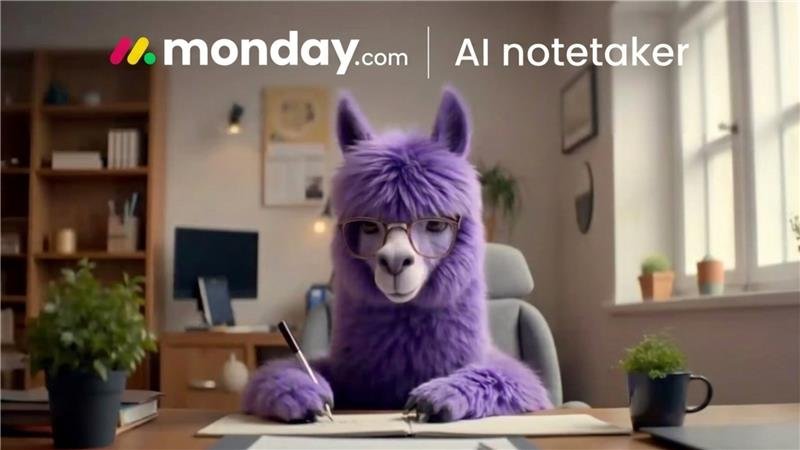
AI Notetaker keeps your team present and focused during meetings by turning conversations into structured, searchable, and actionable insights—directly inside your monday.com workspace.
Instead of just recording, it understands and organizes your meeting.
What it actually does
- real-time transcription
- speaker identification
- summaries
- generates takeaways and highlights
- detects action items by extracting tasks and follow-ups
- creates a secure video recording searchable by keyword
- links summaries and action items to boards, items, and workflows
- post-meeting AI chat for instant follow-ups
It’s not just about notes
It’s about what happens after the meeting
Simple setup, powerful outcome
Getting started is easy:
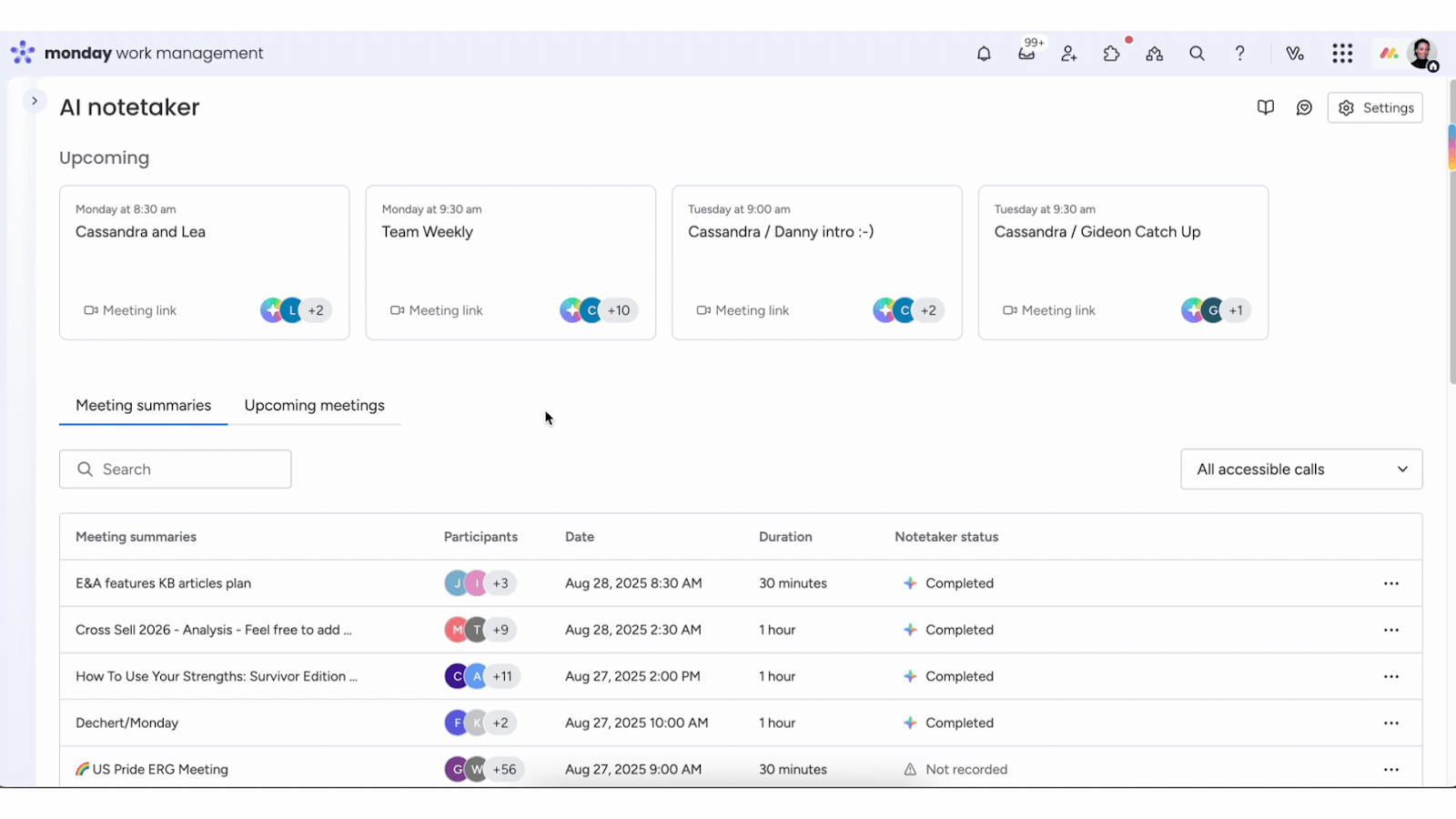
- Open the left pane → Click AI Notetaker
- Connect your Google or Outlook calendar
- View upcoming meetings
- Click “Invite Notetaker”
It works with:
- Zoom
- Microsoft Teams
- Google Meet
You can also enable auto-invite or keep it manual based on your preference.
During the meeting
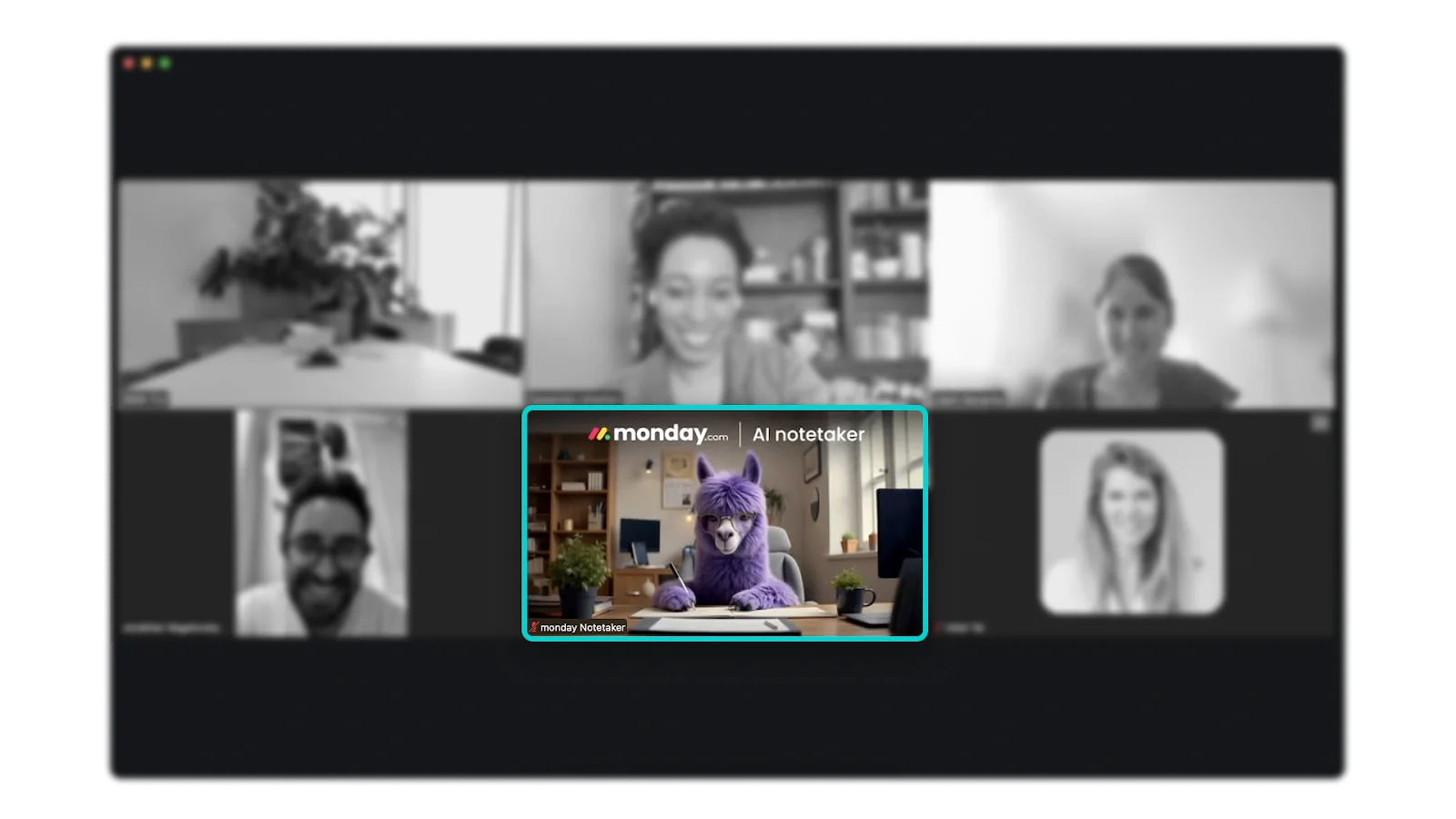
AI Notetaker joins your meeting 2 minutes early and appears as “monday Notetaker.”
It captures everything in real time—so your team can stay focused on the discussion instead of taking notes.
After the meeting
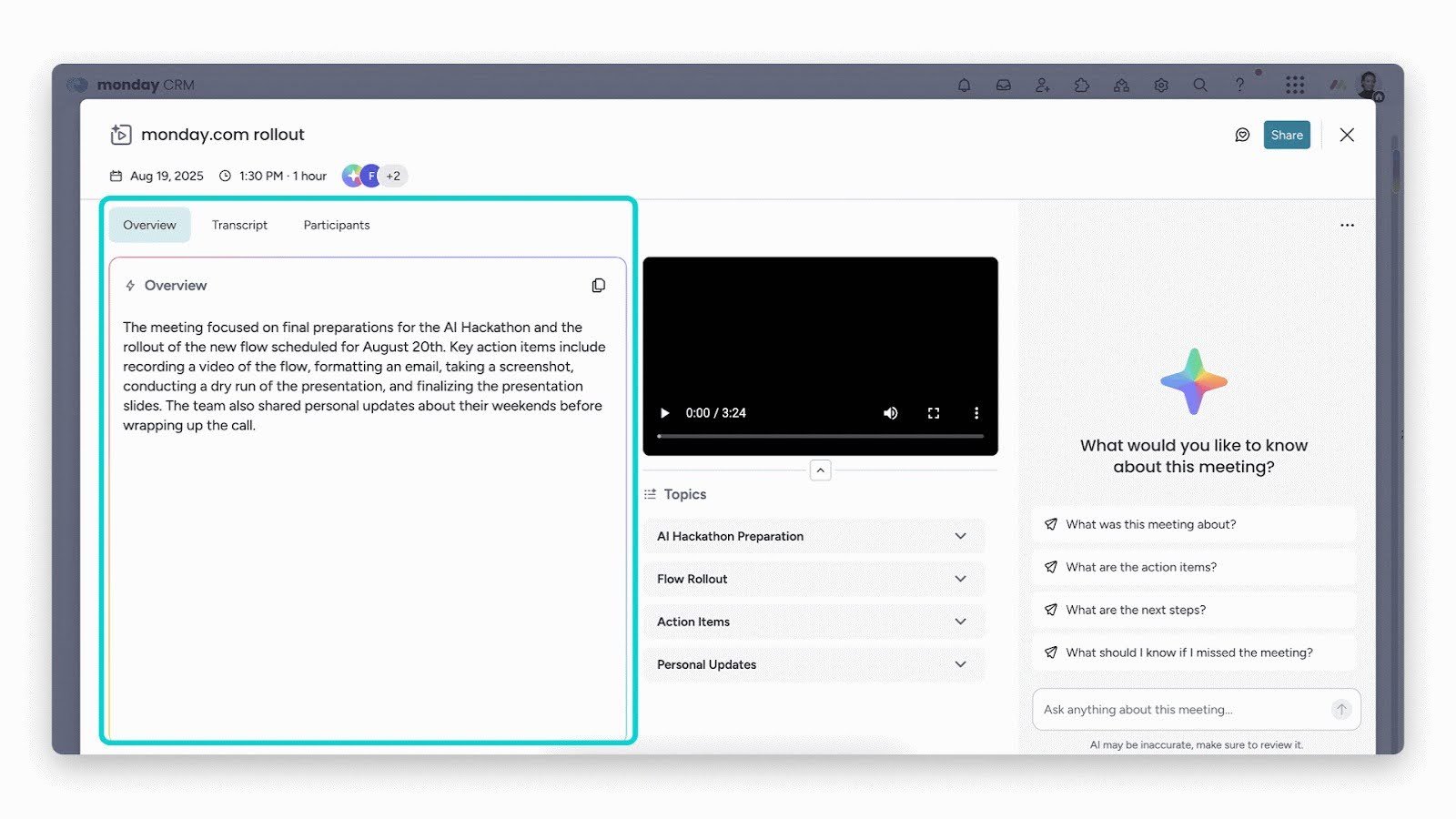
Instead of going through long transcripts, you get everything clearly structured:
- Summary
- Full transcript
- Recording
- Action items
With easy navigation:
- Overview → Quick summary
- Transcript → Full details
- Participants → Engagement insights
You can also:
- Jump to key moments using timestamps
- Explore topic-wise breakdowns
Share your meeting:
On the meeting summary page, you can click Share to adjust the visibility settings for your meeting or copy a link to send the summary to a coworker.
When you click Share, you will see the current status of your meeting’s visibility, whether Public or Private. To change your meeting’s visibility, adjust the toggle that says Make meeting public or Make meeting private:
Need more clarity?
Use the built-in AI chat to:
- Ask questions about the meeting
- Identify next steps
- Find missing details
- Assign owners
No need to revisit the entire conversation.
From insights to execution
This is where AI Notetaker stands out.
Action items aren’t just listed they’re ready to be used.
- Select AI-generated tasks
- Choose your workspace and board
- Add them as items and subitems
Your meeting instantly becomes a workflow
Fully connected experience
- Meeting summaries appear in Emails & Activities
- Contacts are automatically matched
- Everything stays within your monday.com ecosystem
Conclusion
Fireflies helps you remember meetings.
Teams helps you revisit conversations.
AI Notetaker helps you move work forward.
Because at the end of the day:
- Meetings shouldn’t end with notes
They should end with clear actions and accountability
And that’s exactly what AI Notetaker delivers.